
Toolfound support
How can we help?
Email [email protected] for help with Toolfound. Contacting support is free and does not require an account.
Listings and ownership
Manage listings you own from My listings. If you need help claiming a listing, sign in and include the listing URL in your message.
Sign in to manage listingsOwnership at a glance
How to prove a listing is yours
Verify your email first. An address on your product’s domain proves ownership on its own; any other address also needs one website proof, either a DNS TXT record or an HTML meta tag. If you submitted the listing, sign in with the email you submitted with. A listing that already has a verified owner can’t be claimed by someone else, so email us the listing URL if you believe that owner is wrong.
Download the ownership map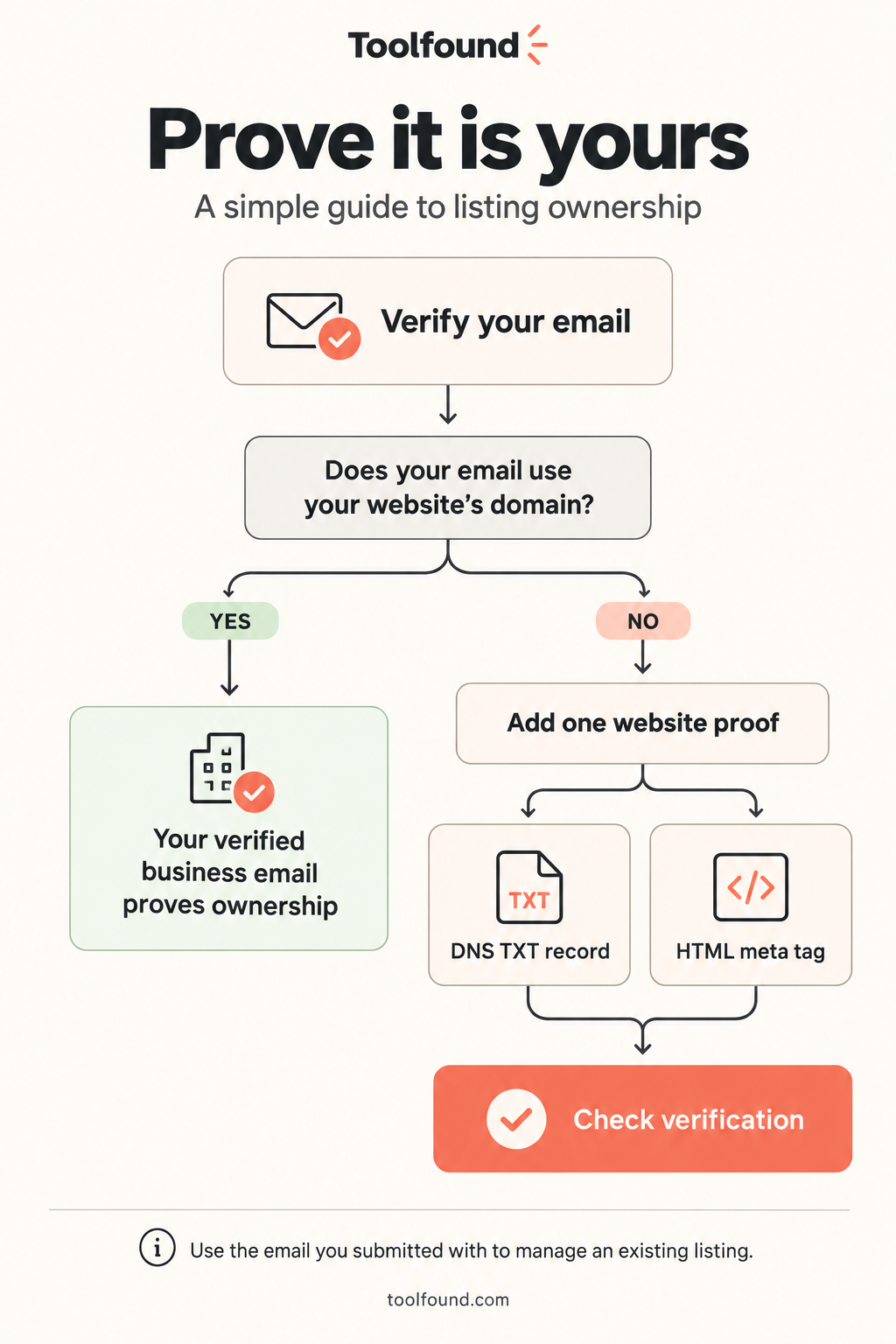
What to include
For listing, billing, or ownership questions, send the listing URL and a short description of the issue. Never send your password or payment card details.